Pinboard app icon

Your photos, pinned to your desktop.

Pinboard puts your favourite photos and sticky notes onto your Mac’s desktop: above the wallpaper, below every window.

Coming soon for Mac Not out yet, but you can try Peek below ↓
Made for Mac

Pinboard is a Mac app, coming soon. Send yourself the link to check back on your Mac.

FreemacOS 26 Tahoe or later

Under your windows. Above them in a flash.

Pins live on the desktop, so they never cover your work. Press ⌃⌥P to lift them above every window, and again to drop them back.

or press ⌃⌥P right here

Make every pin yours.

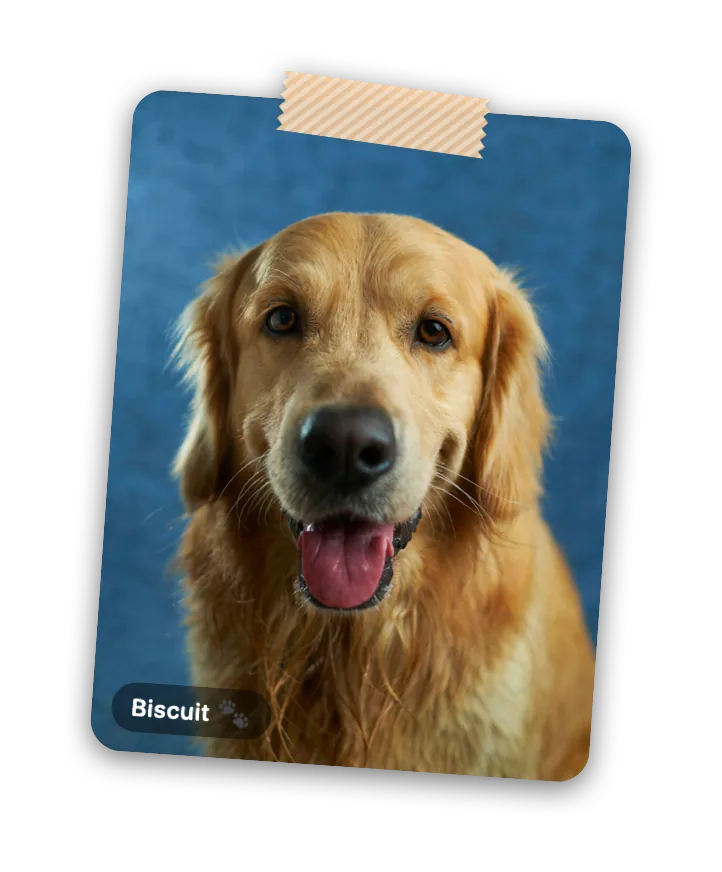
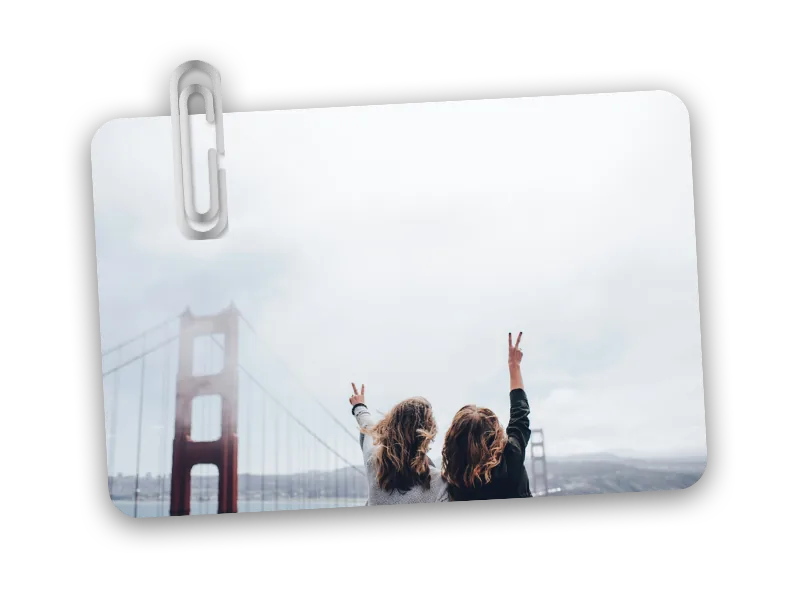
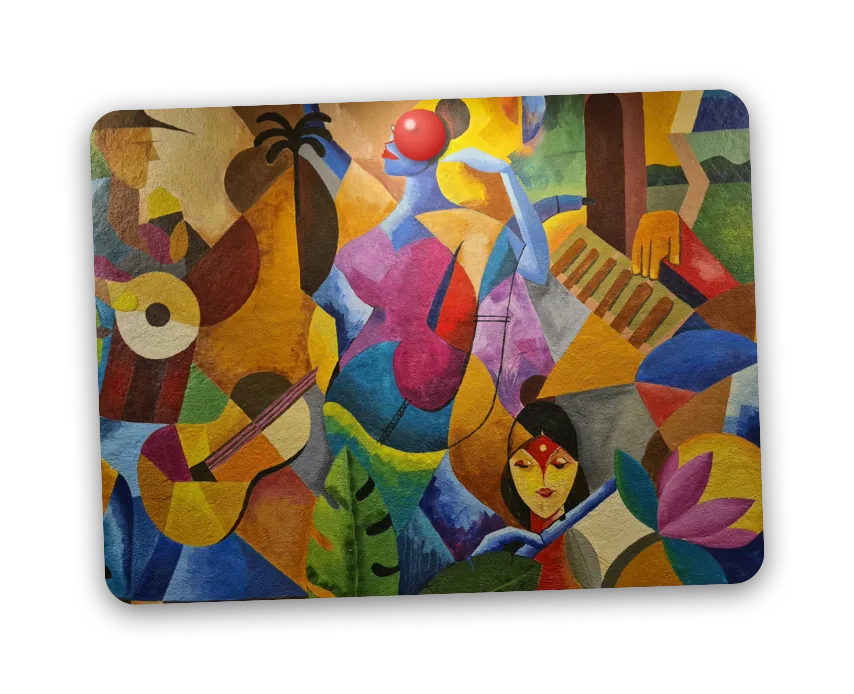
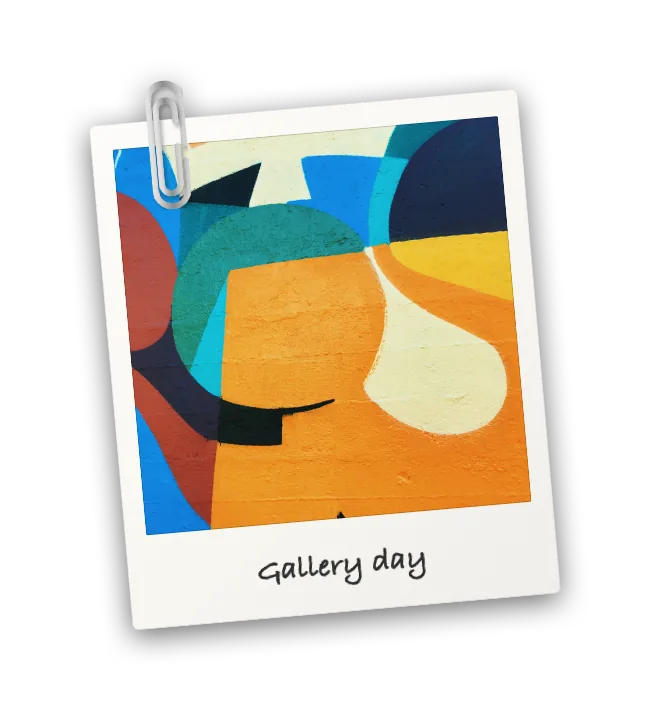
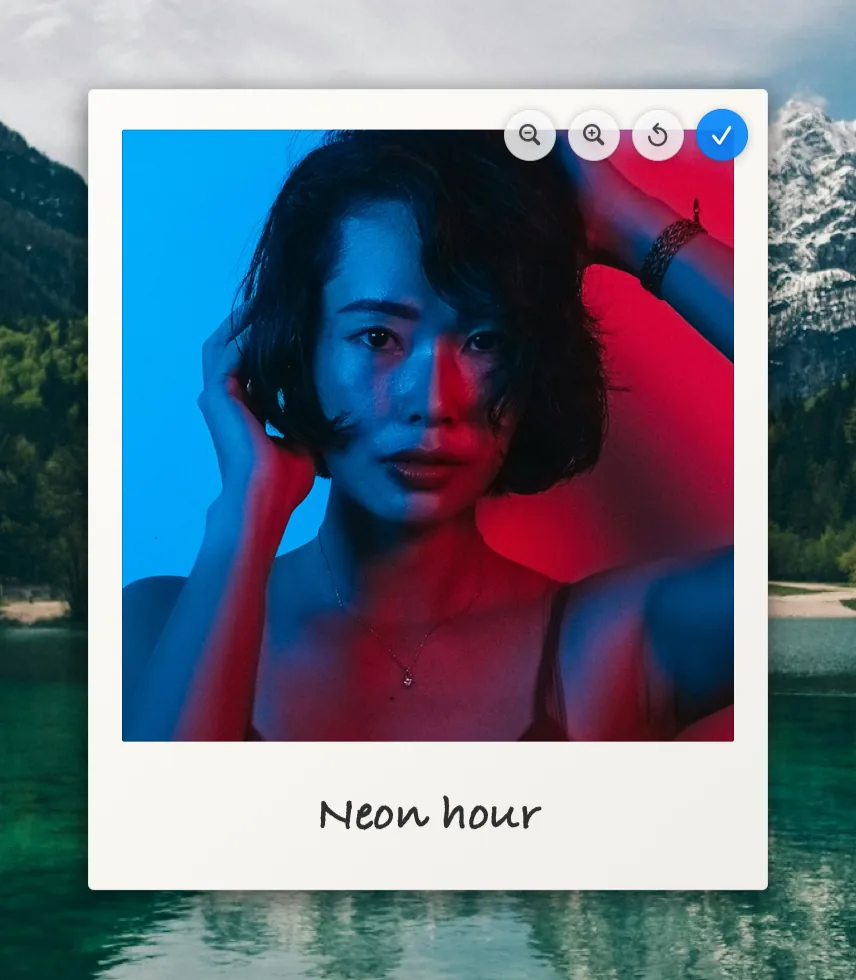
Resize and rotate pins like in a design app. Double-click to crop: pan and zoom the photo inside its frame. Add a caption, then hold it all in place with a thumbtack, washi tape or a paperclip.

  • Polaroid or borderless
  • Tack, tape or paperclip
  • Lock in place
Cropping a Polaroid pin: zoom and reset controls over the photo

Notes that stick.

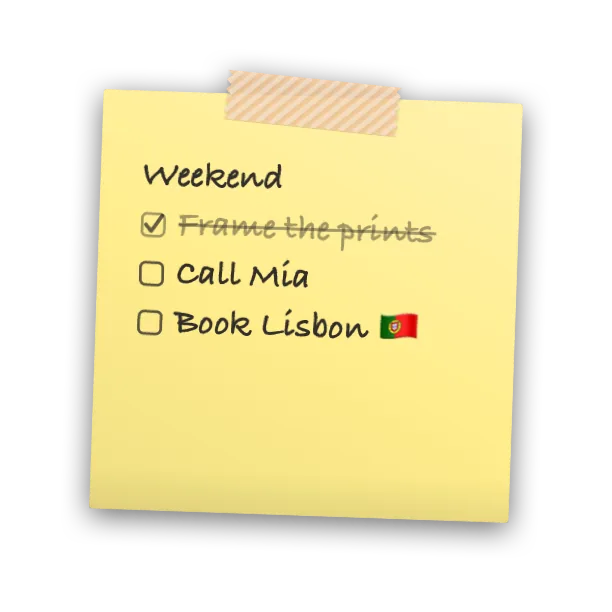
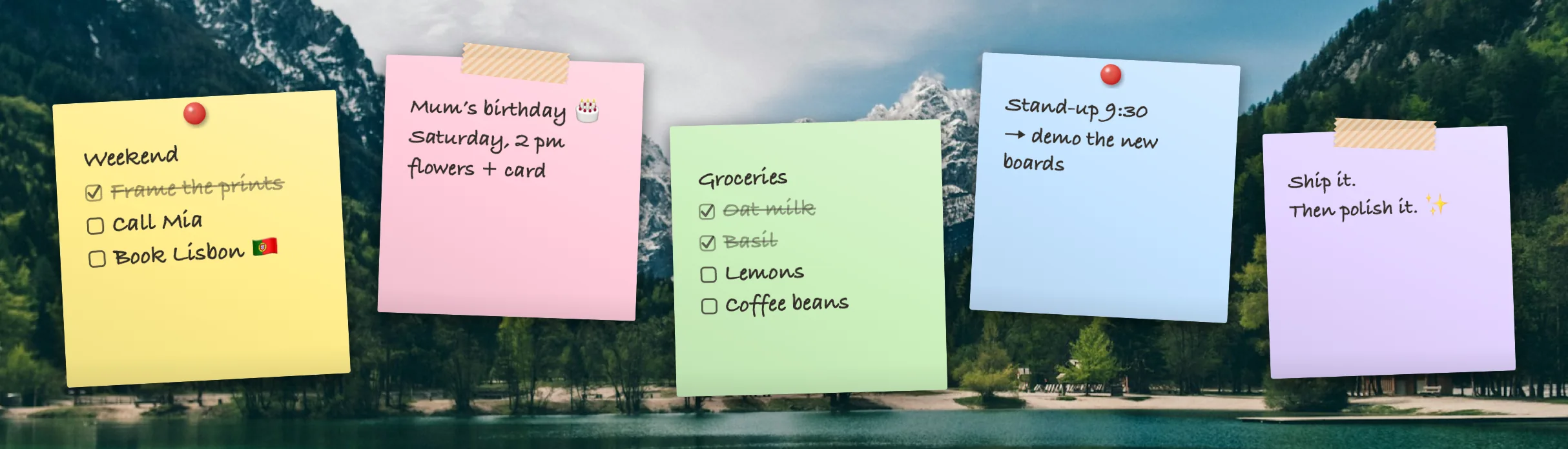
Sticky notes in five paper colours, written in handwriting, sans or serif. Make words bold, italic or underlined, type - for a bullet or [ ] for a checklist, then tick things off right on your desktop.

Five sticky notes in yellow, pink, green, blue and lilac, two with checklists where some items are ticked off and crossed out

One desktop, many boards.

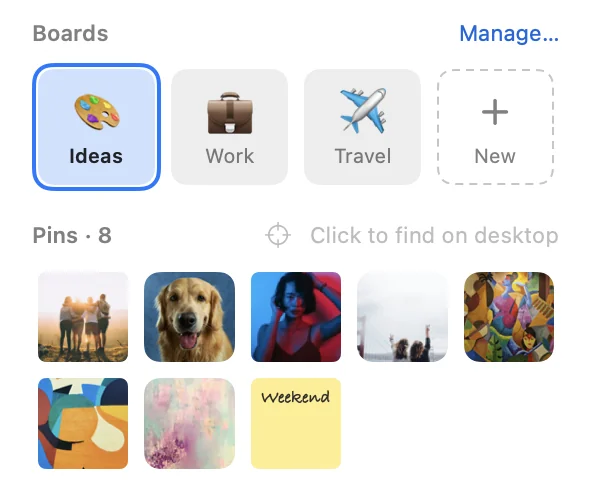
Keep separate sets of pins for work, a trip or a moodboard, and switch in a click from the menu bar, or with ⌃⌥B and ⌃⌥1–9. Each board remembers where every pin goes.

  • Emoji icons
  • Drag to reorder
  • Move pins between boards
  • Find a pin on the desktop
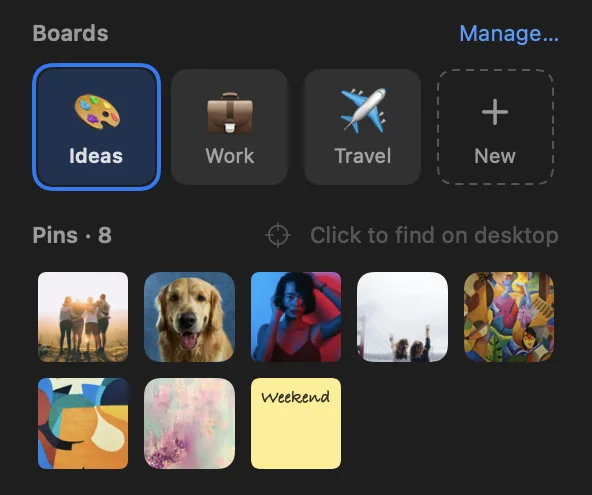
Pinboard's menu bar panel: board tiles for Ideas, Work and Travel, and thumbnails of the active board's pins Pinboard's menu bar panel: board tiles for Ideas, Work and Travel, and thumbnails of the active board's pins

And all the little things.

Undo everything

Moved, cropped or removed something by mistake? ⌘Z brings it back, step by step.

Add from anywhere

Apple Photos, Finder, the clipboard or drag & drop, even big batches at once.

Private by design

Never goes online. No account, no tracking. Your photos are copied to your Mac and stay there.

Fast from any app

Peek above your windows⌃⌥P
Add photos⌃⌥N
New sticky note⌃⌥T
Show or hide pins⌃⌥H
Gather pins on the main screen⌃⌥G
Switch boards⌃⌥B · ⌃⌥1–9

Free. Made with care.

Every feature is free: no ads, no account, no tracking. If Pinboard makes your desktop a little nicer, a tip helps pay Apple’s developer fee and keeps updates coming.

☕ Leave a tip on Ko-fi

Install in a minute.

Free download, coming soon. Works on Apple silicon and Intel Macs with macOS 26 Tahoe or later.

Download

Open Pinboard.dmg. A window with Pinboard and your Applications folder appears.

Move to Applications

Drag Pinboard onto the Applications folder in that window.

Allow it once

Pinboard isn’t notarized by Apple yet, so macOS blocks the first launch. Open System Settings › Privacy & Security and click Open Anyway.

Just once, promise.

Open it

Pinboard appears as 📌 in the menu bar. Click it to add your first photo.

Coming soon for Mac
Made for Mac

Pinboard is a Mac app, coming soon. Send yourself the link to check back on your Mac.

Version history

Questions? Ask away.

Pick a question to see the answer.

Pinboard · Today 9:41

Is Pinboard free?

Yes, free, with every feature included. If you’d like to say thanks, there’s a tip jar on Ko-fi ☕

My pins are hidden behind my windows. How do I see them?

That’s on purpose: pins sit on the desktop, so they never cover your work. Press ⌃⌥P to peek at them above all windows, or use Show Desktop (spread your thumb and three fingers on the trackpad, or press Fn+F11).

Where are my photos stored?

Pinboard keeps its own copies in ~/Library/Application Support/Pinboard, so pins don’t depend on your Photos library, along with daily backups of your boards. Nothing is uploaded anywhere.

Why does macOS warn me when I first open it?

Pinboard isn’t notarized by Apple yet. Allow it once under System Settings › Privacy & Security › Open Anyway. A notarized version will follow.

How do I uninstall it?

Quit Pinboard from its menu bar panel, then move Pinboard.app to the Trash. To remove your pins too, delete ~/Library/Application Support/Pinboard.

Will it judge my wallpaper?

Never. It just covers the boring bits with nicer ones.