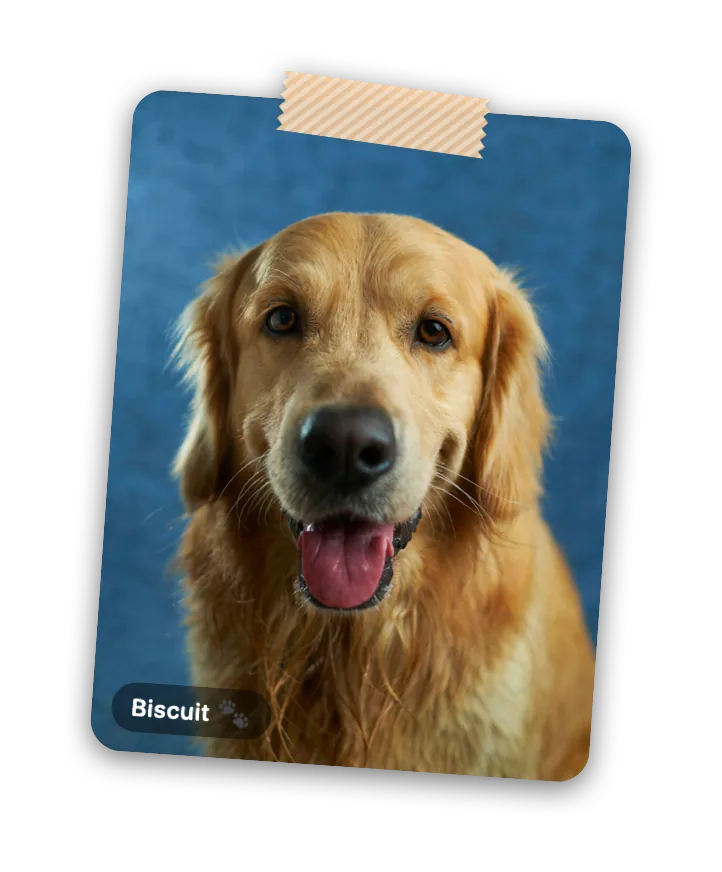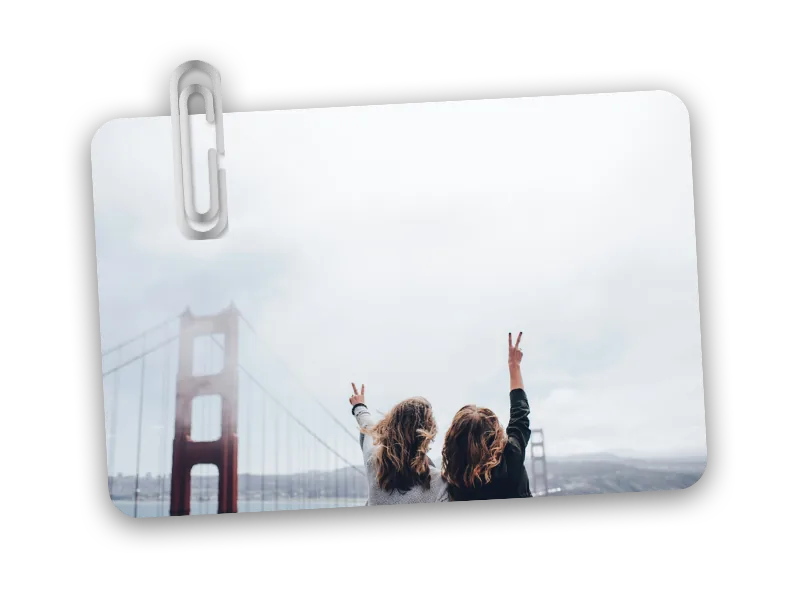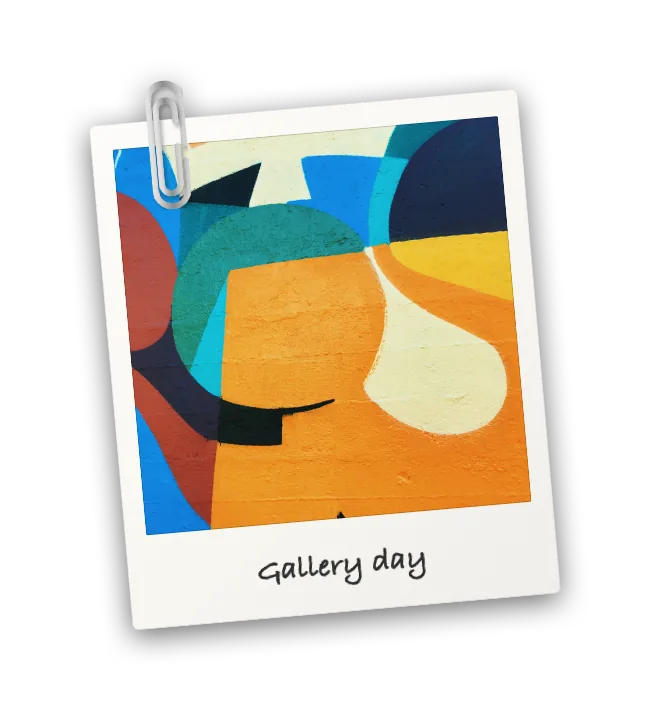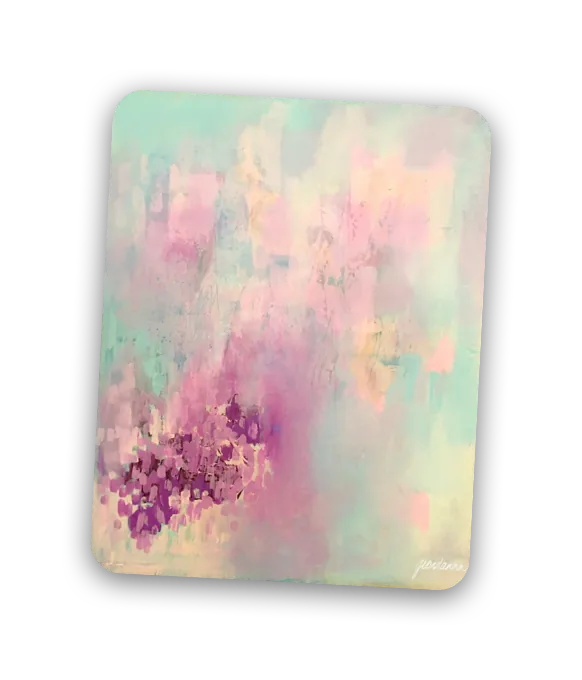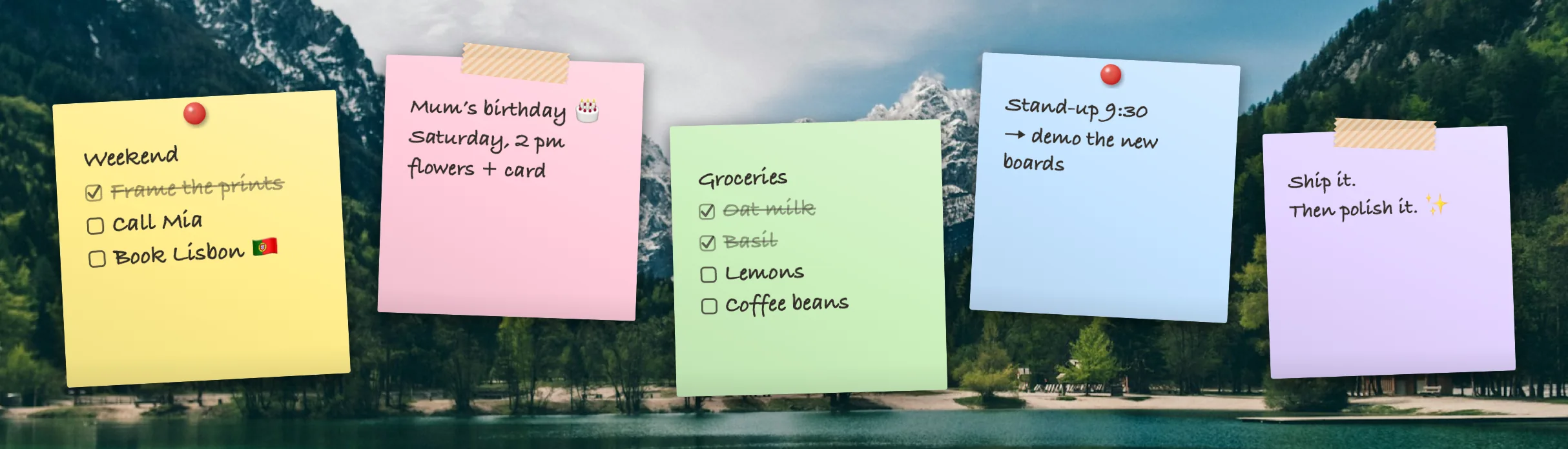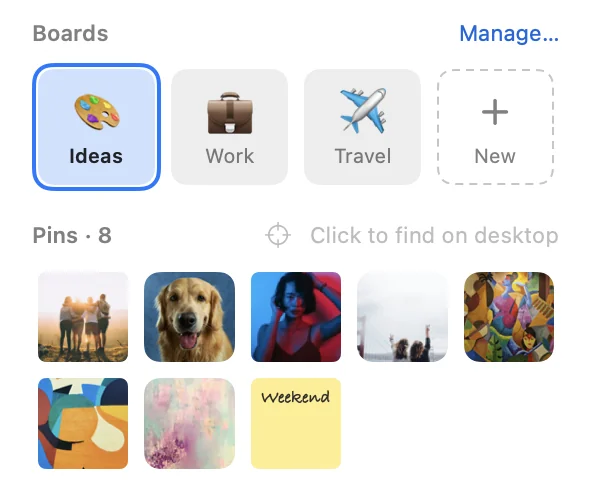
Pinboard puts your favourite photos and sticky notes onto your Mac’s desktop: above the wallpaper, below every window.
Download for Mac Or try Peek below first ↓Pinboard is a Mac app. Send yourself the link and download it on your Mac.

Pins live on the desktop, so they never cover your work. Press ⌃⌥P to lift them above every window, and again to drop them back.
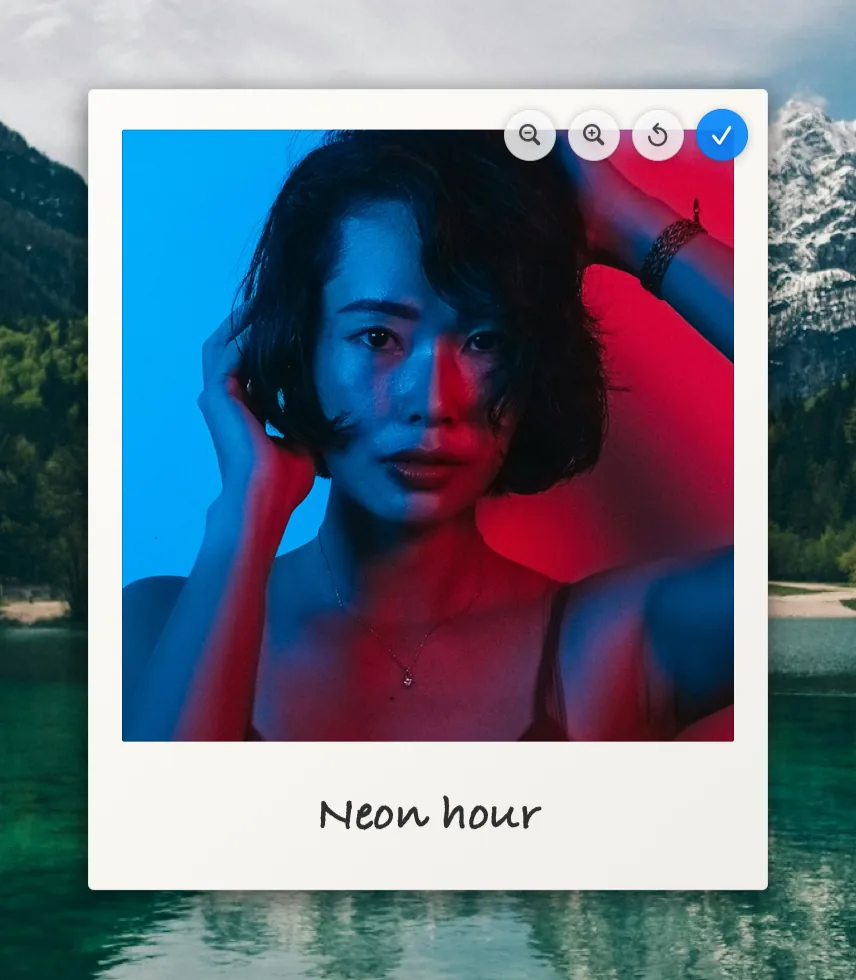
Resize and rotate pins like in a design app. Double-click to crop: pan and zoom the photo inside its frame. Add a caption, then hold it all in place with a thumbtack, washi tape or a paperclip.
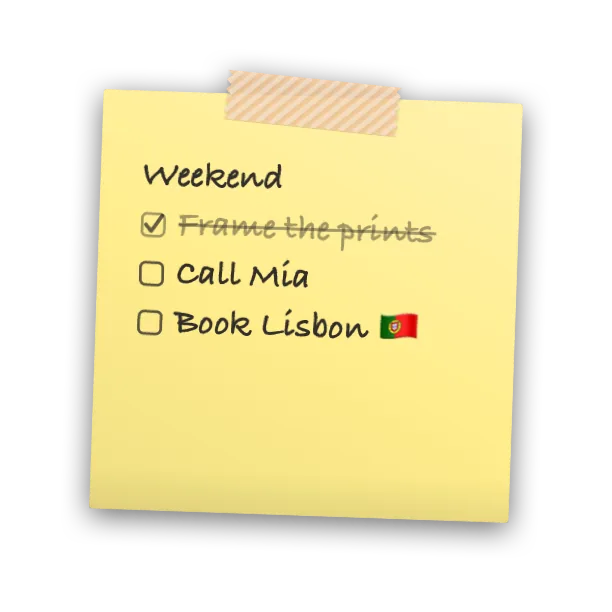
Sticky notes in five paper colours, written in handwriting, sans or serif. Make words bold, italic or underlined, type - for a bullet or [ ] for a checklist, then tick things off right on your desktop.
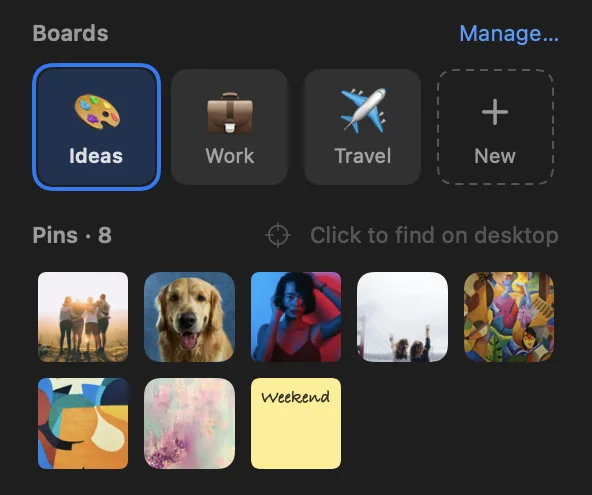
Keep separate sets of pins for work, a trip or a moodboard, and switch in a click from the menu bar, or with ⌃⌥B and ⌃⌥1–9. Each board remembers where every pin goes.
Moved, cropped or removed something by mistake? ⌘Z brings it back, step by step.
Apple Photos, Finder, the clipboard or drag & drop, even big batches at once.
Never goes online. No account, no tracking. Your photos are copied to your Mac and stay there.
Every feature is free: no ads, no account, no tracking. If Pinboard makes your desktop a little nicer, a tip helps pay Apple’s developer fee and keeps updates coming.
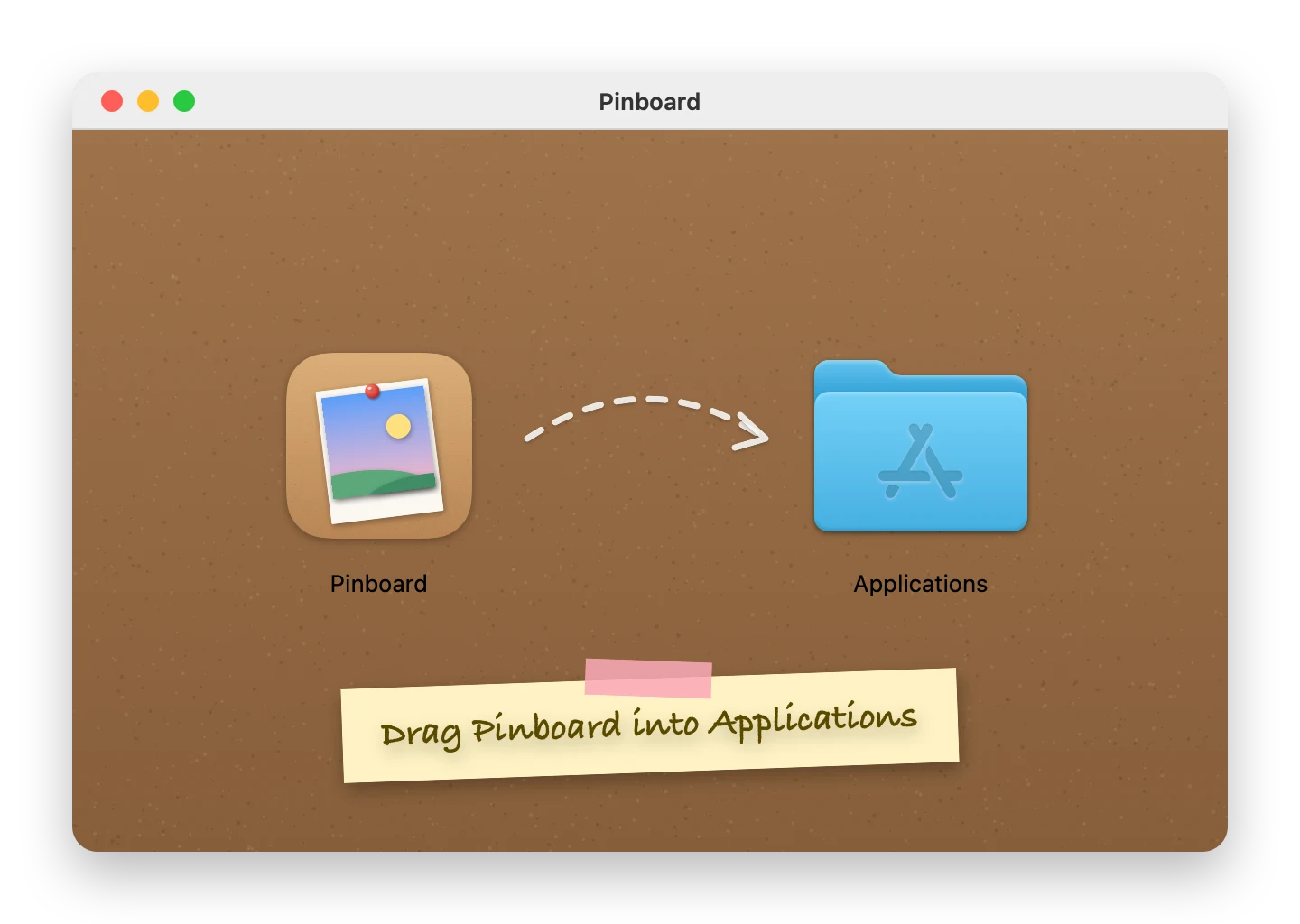
☕ Leave a tip on Ko-fiDrag it to Applications, allow it once, and Pinboard waits in your menu bar.
Pinboard is a Mac app. Send yourself the link and download it on your Mac.

Pick a question to see the answer.
Pinboard · Today 9:41
Yes, free, with every feature included. If you’d like to say thanks, there’s a tip jar on Ko-fi ☕
That’s on purpose: pins sit on the desktop, so they never cover your work. Press ⌃⌥P to peek at them above all windows, or use Show Desktop (spread your thumb and three fingers on the trackpad, or press Fn+F11).
Pinboard keeps its own copies in ~/Library/Application Support/Pinboard, so pins don’t depend on your Photos library, along with daily backups of your boards. Nothing is uploaded anywhere.
Pinboard isn’t notarized by Apple yet. Click Done, then System Settings › Privacy & Security › Open Anyway, and confirm. Only once; updates install without it. A notarized version will follow.
Quit Pinboard from its menu bar panel, then move Pinboard.app to the Trash. To remove your pins too, delete ~/Library/Application Support/Pinboard.
Never. It just covers the boring bits with nicer ones.